How to Use Scene Presets to Perfect Your Media Room Ambiance
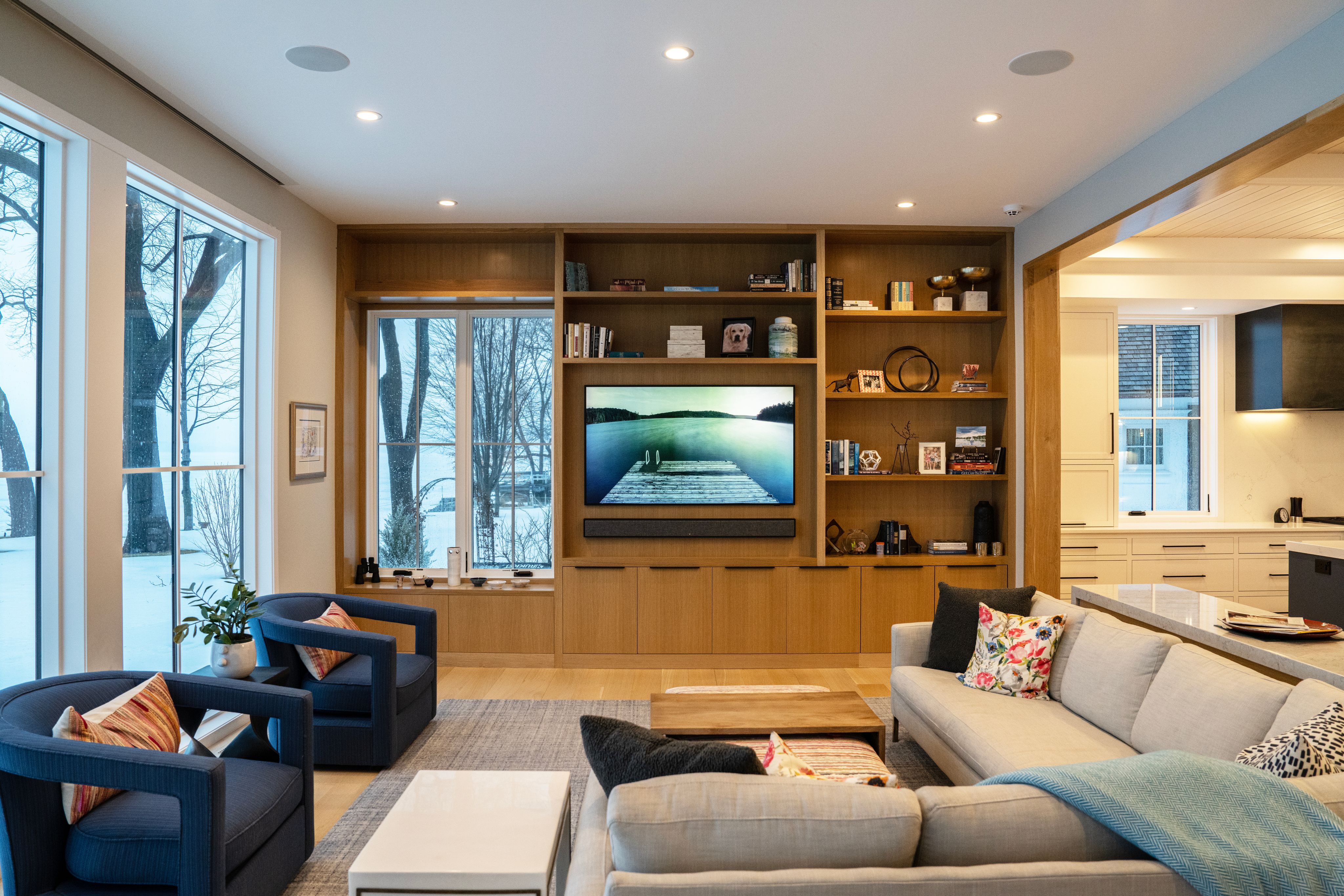
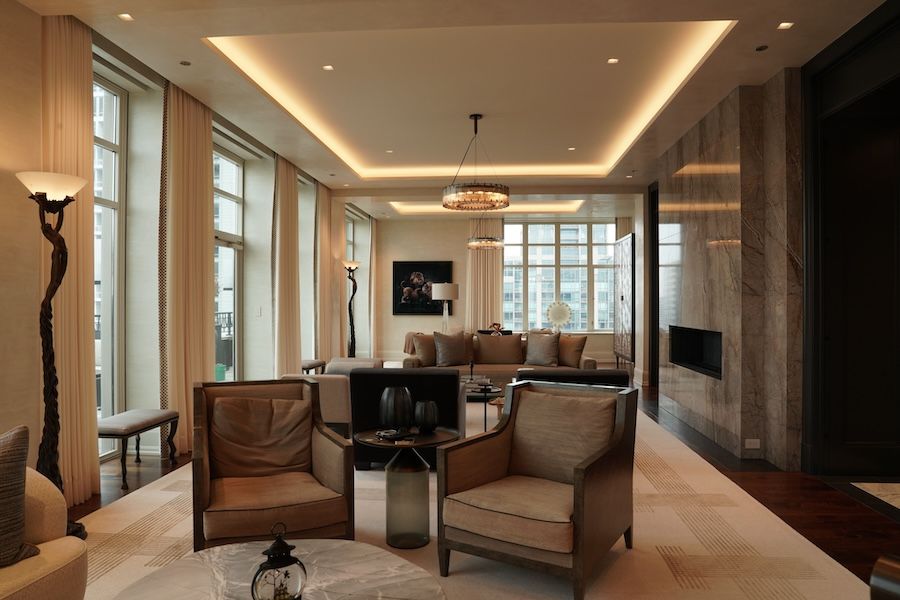
A great media room is not only about a big screen or powerful speakers. What truly makes the experience special is the ambiance, how the room feels the moment you sit down. Light levels, sound balance, and even how the room transitions from day to night all play a role in how immersive and comfortable your media space becomes.
This is where scene presets change everything. Instead of adjusting lights, audio, and shades one by one, scene presets allow your media room to shift instantly into the perfect mode for any moment. One touch can dim the lights, optimize sound, and create a focused, cinematic environment without breaking the mood.
Scene presets are designed for real life. Whether you are watching a movie, enjoying a sports game with friends, gaming late at night, or simply relaxing with family TV time, presets remove friction and make the experience feel effortless. The technology stays in the background, while comfort and enjoyment take center stage.
When designed correctly, scene presets don’t feel like “technology.” They feel like your room just understands what you want.
Key takeaway: Scene presets turn your media room from a collection of devices into a smooth, immersive experience that works naturally with how you live.
Quick to Know
Scene presets are pre-programmed settings that adjust multiple elements in your media room at once, such as lighting, audio levels, and screen brightness. Instead of changing each control manually, you activate one preset and the room responds instantly.
They are built for everyday use, not just movie nights. Presets can match different activities, times of day, or personal preferences, making the room feel comfortable and intentional every time.
Most importantly, scene presets simplify the experience. The technology stays out of sight, while the result feels natural, smooth, and easy to enjoy.
Key takeaway: Scene presets make media room control simple, fast, and consistent, one action creates the right atmosphere every time.
Creates a consistent, comfortable ambiance every time
Eliminates the need to adjust multiple controls manually
Enhances immersion by balancing light, sound, and focus
Makes the media room easy for everyone to use
Helps the space adapt smoothly to different activities
Q/A
Q: Do scene presets require advanced technical knowledge to use?
A: No. Scene presets are designed to be simple and intuitive. Once they are set up by a professional, using them is easy for anyone in the home. A single button, keypad, remote, or app tap can activate the entire scene. There is no need to understand the technology behind it, the system handles everything in the background. This makes scene presets ideal for families, guests, and everyday use.
Key takeaway: Scene presets feel advanced, but using them is simple and user-friendly for everyone.
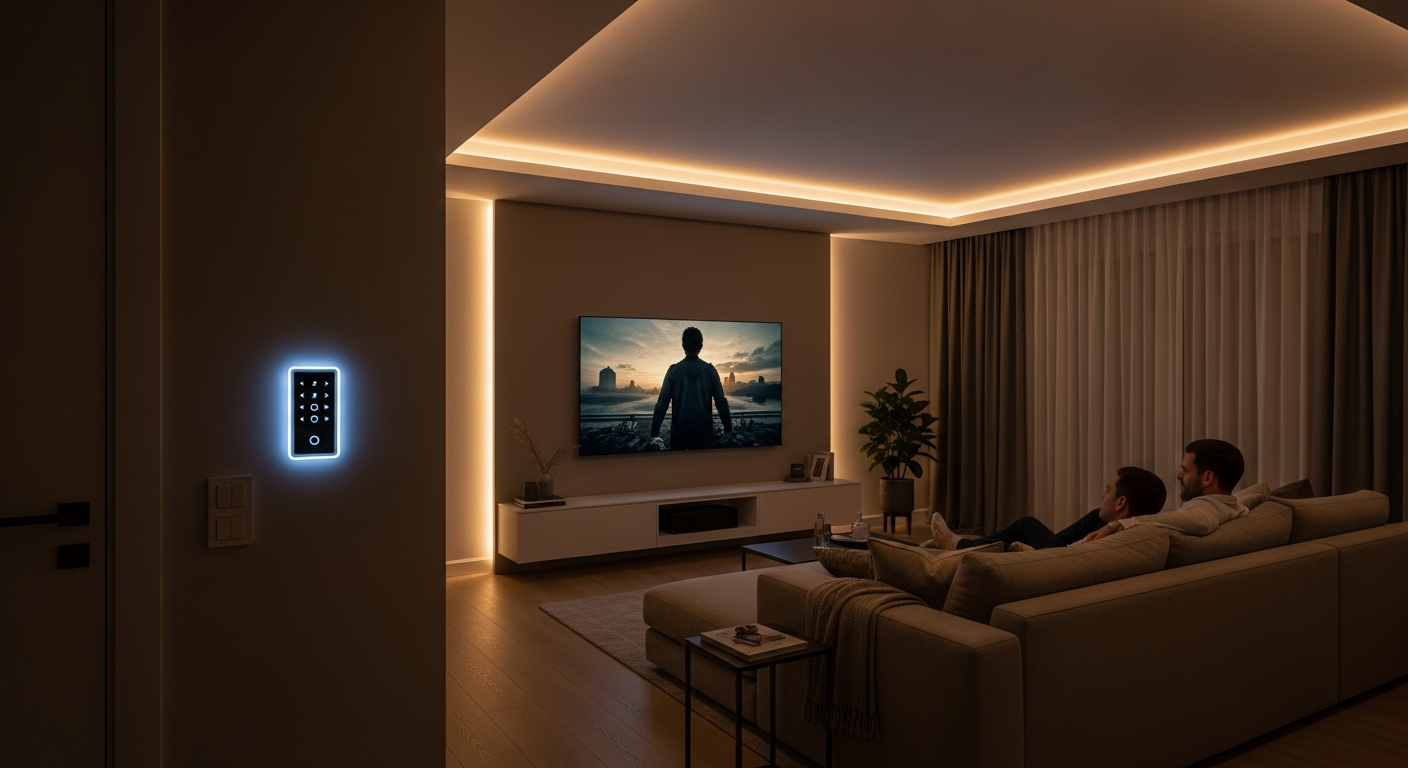
What Scene Presets Are and How They Work in a Media Room
Scene presets are smart combinations of settings that control several parts of your media room at the same time. Instead of adjusting lights, sound, and other features separately, a preset brings everything together into one smooth action.
In a media room, a scene preset can dim the lights to the right level, adjust speaker volume and balance, and reduce screen glare, all at once. For example, a “Movie Night” preset may lower the lights, optimize surround sound, and create a calm, focused atmosphere. A “Sports” preset might keep the room brighter with clearer dialogue and more energy in the sound.
Behind the scenes, the system connects lighting, audio, displays, and sometimes shades or temperature into a single command. You activate it using a wall keypad, remote, or mobile app. The process feels instant and natural.
The real value is consistency. Every time you press the same preset, the room responds the same way. There is no guessing, no fine-tuning, and no interruptions to the experience.
Key takeaway: Scene presets work by linking multiple room settings into one command, delivering a reliable and effortless media room experience every time.
Brings multiple systems together under one simple action
Removes guesswork by delivering the same result every time
Keeps focus on the content, not the controls
Adapts the room easily for different activities
Makes advanced technology feel natural and effortless
Key takeaway: By combining systems into one command, scene presets make your media room predictable, comfortable, and easy to enjoy.
Real-Life Scene Presets for Movies, Sports, Gaming, and Family Time
Scene presets truly shine when you see how they fit into everyday life. Different moments call for different moods, and presets allow your media room to adapt instantly.
For Movie Night, lights fade to a soft glow, reflections disappear, and audio shifts into a rich, immersive balance. The room feels calm and cinematic from the first scene.
During Sports Mode, lighting stays brighter so you can move around, grab snacks, and still see the room clearly, while sound emphasizes commentary and crowd energy.
A Gaming preset can sharpen visuals, lower distractions, and boost audio clarity, helping players stay focused and engaged.
For Family TV time, the room feels relaxed and comfortable, gentle lighting, moderate sound, and an atmosphere that works for conversation as well as viewing.
Late at night, a Night Viewing preset can reduce brightness and volume, creating a cozy experience without disturbing others in the home.
These presets remove friction. You don’t think about settings, you simply enjoy the moment.
Key takeaway: Real-life scene presets let your media room adapt instantly to how you use it, making every activity feel more comfortable and intentional.
Q/A – Block 2
Q: Can scene presets be customized for different people or times of day?
A: Yes. Scene presets are highly flexible. They can be adjusted for individual preferences, such as different sound levels or lighting comfort, and can also change based on time of day. For example, the same “Movie” preset can feel brighter during the afternoon and softer in the evening. This personalization ensures the media room always feels right without extra effort.
Key takeaway: Scene presets can adapt to personal preferences and daily routines, keeping the experience comfortable at any time.
Simple Control Options That Make Scene Presets Easy to Use
One of the biggest advantages of scene presets is how easy they are to control once the system is set up. The technology behind them may be advanced, but the user experience is designed to feel simple and natural.
Most media rooms use wall keypads, handheld remotes, or mobile apps to activate presets. A wall keypad is often placed near the entrance, allowing you to set the mood before you even sit down. Remotes provide quick access during viewing, while apps offer flexibility from anywhere in the room, or even outside it.
Behind the scenes, all systems are connected through a central control platform. Lighting, audio, displays, and other elements are programmed to respond together. When you press a single button, the system sends one command that triggers every adjustment at the same time.
The key is professional setup. A well-designed system ensures transitions feel smooth, timing is right, and nothing feels abrupt or distracting. The result is a media room that responds instantly and predictably, without technical confusion.
Key takeaway: With the right setup, scene presets offer powerful control through simple buttons, remotes, or apps, making advanced media rooms easy to use every day.
Offers simple control through keypads, remotes, or apps
Keeps technology hidden while results feel immediate
Delivers smooth, reliable transitions between scenes
Reduces confusion for family members and guests
Makes advanced systems easy to use every day
Key takeaway: Simple control options are what make scene presets practical, reliable, and enjoyable in real daily use.
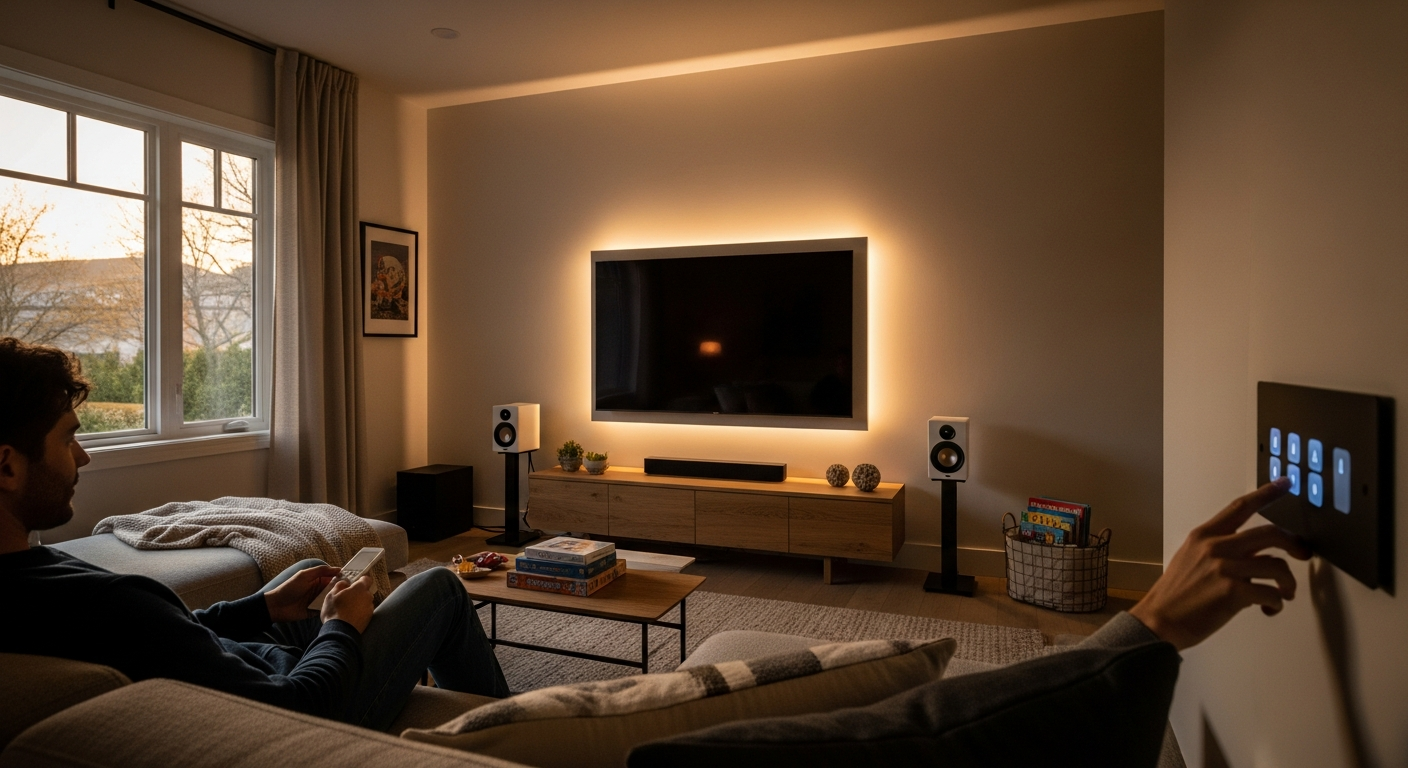
Expert Tips for Designing Scene Presets That Last and Scale
When it comes to scene presets, professionals often recommend starting simple and building over time. You don’t need dozens of presets on day one. A few well-designed scenes, such as Movie, Sports, and Night, cover most daily needs and keep the system easy to use.
Planning ahead is another key tip. Even if you are not adding every feature now, wiring and system design should allow for future upgrades. This makes it easy to add new lighting zones, better audio, or automation features later without reworking the entire room.
Experts also suggest tying scene presets to routines. For example, a preset can activate automatically in the evening or respond to voice control, making the experience even more natural. As technology evolves, these systems can grow with your lifestyle instead of becoming outdated.
A professionally designed media room balances flexibility and simplicity. The goal is not more buttons, but smarter ones that continue to work smoothly for years.
Key takeaway: Smart planning and professional design ensure your scene presets stay simple today and ready for future upgrades tomorrow.
Q/A
Q: Is it better to add scene presets during a renovation or after the media room is finished?
A: The best time is during a renovation, because wiring, lighting zones, and system layout can be planned correctly from the start. However, scene presets can also be added later in many cases. A professional integrator can evaluate your existing setup and design presets that work with your current systems. Planning early offers more flexibility, but upgrades are still possible after the room is complete.
Key takeaway: Scene presets are easiest to design during a renovation, but they can still be added later with the right planning.
Summary
Scene presets combine lighting, audio, and other controls into one simple action
They remove daily friction by eliminating manual adjustments
Presets help create consistent ambiance for movies, sports, gaming, and family time
Easy controls make advanced technology accessible to everyone in the home
Personalization allows presets to adapt to different users and times of day
Professional setup ensures smooth transitions and reliable performance
Starting with a few core presets keeps the system simple and intuitive
Proper planning allows the media room to grow and upgrade over time
Scene presets help technology blend naturally into everyday living
The result is a media room that feels comfortable, immersive, and effortless
Key takeaway: Scene presets bring clarity, comfort, and consistency to your media room, turning complex systems into a seamless everyday experience.
A well-designed media room should feel effortless, immersive, and easy to enjoy every day, and scene presets are what make that possible. When lighting, audio, and controls work together seamlessly, the room simply feels right the moment you press a button.
At MK Technology, we design and program scene presets that fit how you actually live, not just how the technology works. From planning and system design to professional setup, we make sure your media room delivers the right atmosphere every time. If you’re building, renovating, or upgrading a media room, now is the perfect time to plan it correctly.
Contact us today to start designing a media room that feels right from the moment you press play.