Transform Your Home Office with a Smart Display
The home office has changed from a simple desk and laptop into a space where productivity, comfort, and design all matter. As remote work becomes a long-term reality, people are paying more attention to how their workspace supports focus while still looking clean and modern. This is where a smart display for home office use starts to stand out.
A smart display is more than just another screen on your desk. It combines useful daily tools
, like calendars, reminders, video calls, and voice control, into one central hub. Instead of switching between devices or apps, you can see key information at a glance and control your work environment with minimal effort. This helps reduce distractions and keeps your workflow smoother throughout the day.
At the same time, smart displays add a visual upgrade. With slim designs, soft lighting, and customizable screens, they fit naturally into modern home decor. When planned correctly, they reduce clutter rather than add to it. Many homeowners now see smart displays as both a productivity tool and a design element, especially when integrated into a well-thought-out home office setup.
Key takeaway: A smart display helps create a home office that works better and looks better, without adding complexity.
Quick to Know
A smart display for home office use is a touchscreen device that shows key information like your calendar, tasks, time, and notifications in one place. It also supports voice control, making it easy to manage your day without stopping your work.
For remote workers, smart displays help reduce tab switching and mental overload. You can check meetings, set reminders, join video calls, or control lighting and music with simple commands.
From a design point of view, smart displays replace clutter with clarity. One clean screen can do the job of several devices while adding a modern, minimal look to your workspace.
Key takeaway: A smart display gives you faster access to information and a cleaner, more organized home office experience.
Key Benefits
Centralizes daily work tools like calendars, reminders, and video calls
Reduces desk clutter by replacing multiple devices with one smart screen
Improves focus through quick, glanceable information
Enhances home office aesthetics with a clean, modern design
Supports hands-free control for a smoother work routine
Key takeaway: A smart display delivers both productivity gains and visual simplicity in one compact solution.
Q/A
Is a smart display worth it for a home office?
Yes, especially if you work from home regularly. A smart display keeps your schedule, tasks, and meetings visible without opening multiple apps. This saves time and helps you stay focused.
How is a smart display different from a regular monitor?
A regular monitor only shows what your computer sends to it. A smart display works on its own. It shows reminders, weather, calendars, and responds to voice commands, even when your computer is off.
Does it make work more distracting?
When set up correctly, no. Smart displays reduce distraction by showing only useful information at the right time.
Key takeaway: A smart display is not a replacement for your monitor, it is a smart assistant that supports your daily work flow.
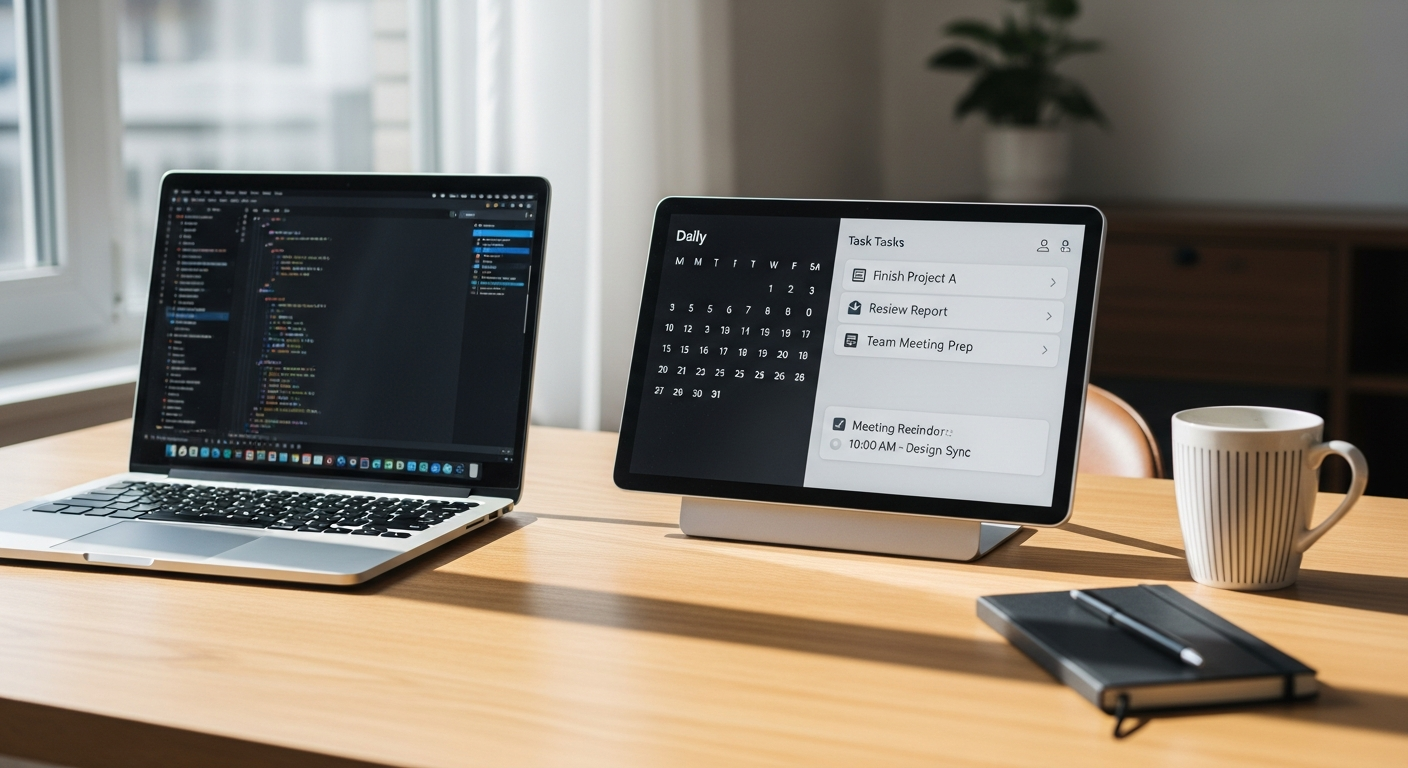
What Is a Smart Display and How It Fits into a Home Office
A smart display for home office use is designed to act as a central information point rather than a traditional work screen. It combines a touchscreen, voice assistant, and connected apps into one compact device that supports your daily routine. Instead of opening multiple programs or checking your phone, important updates stay visible while you work.
At its core, a smart display connects to your digital ecosystem. It can show your daily schedule, upcoming meetings, to-do lists, and notifications in real time. Voice control allows you to set reminders, start timers, or check information without breaking focus. For remote workers, this hands-free interaction is especially helpful during calls or deep work sessions.
Smart displays also integrate with other home office elements. Lighting, audio, and even room temperature can be adjusted directly from the screen or by voice. This creates a more comfortable and controlled work environment with less effort. When combined with proper planning, such as smart lighting or whole-home control, the display becomes part of a larger productivity system rather than a standalone gadget.
Key takeaway: A smart display works as a daily command center, bringing essential information and controls into one simple, easy-to-use screen.
Smart displays act as a central command center for your home office
They combine scheduling, reminders, and smart controls in one screen
Voice interaction helps maintain focus during busy workdays
Integration with lighting and audio improves comfort and efficiency
Key takeaway: When used correctly, a smart display becomes a core productivity tool, not just an extra device on your desk.
How Smart Displays Improve Daily Productivity for Remote Work
In daily work life, a smart display for home office use shows its real value through small but consistent productivity gains. One of the most common uses is schedule management. Your meetings, deadlines, and reminders stay visible throughout the day, helping you plan your time without checking your phone or email again and again.
During video calls, smart displays can act as a secondary screen for quick joins, call controls, or meeting reminders. This is useful for remote workers who move between tasks and calls often. You can also use the display to set focus timers, manage task lists, or get quick answers while keeping your main screen dedicated to work.
Another practical benefit is voice control. Instead of stopping your work, you can ask the display to set reminders, adjust lighting, or play background music. This keeps your workflow smooth and reduces interruptions. Over time, these small actions help reduce mental fatigue and improve consistency during long workdays.
When combined with a well-planned home office setup, smart displays support better time awareness, smoother transitions between tasks, and a calmer work rhythm.
Key takeaway: Smart displays improve daily productivity by saving time, reducing interruptions, and keeping essential information always within reach.
Q/A
Can a smart display really help with multitasking?
Yes. It separates quick information, like reminders or meeting alerts, from your main work screen. This helps you stay focused on one task while still staying informed.
What about distractions from notifications?
Most smart displays allow you to customize what appears on the screen. You can limit notifications to only work-related items during office hours.
Is voice control useful in real work situations?
Very useful. Voice commands save time during calls or deep-focus moments when touching devices would interrupt your flow.
Key takeaway: With the right settings, a smart display supports multitasking without adding noise or distraction.
Using Smart Displays to Enhance Home Office Design and Aesthetics
Beyond productivity, a smart display for home office use plays an important role in how the space looks and feels. Modern home offices are no longer hidden corners of the house, they are visible, lived-in spaces that reflect personal style. A smart display helps bring order and balance to that environment.
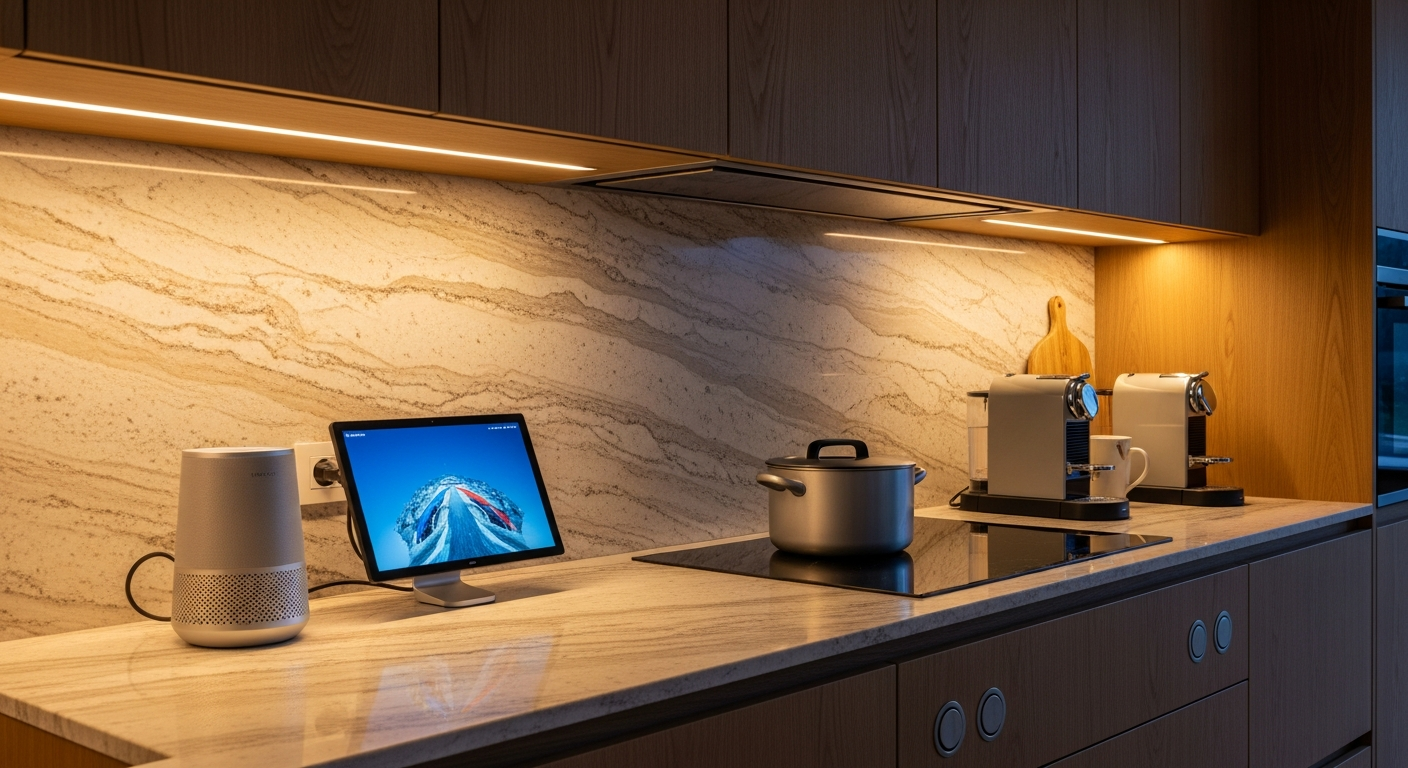
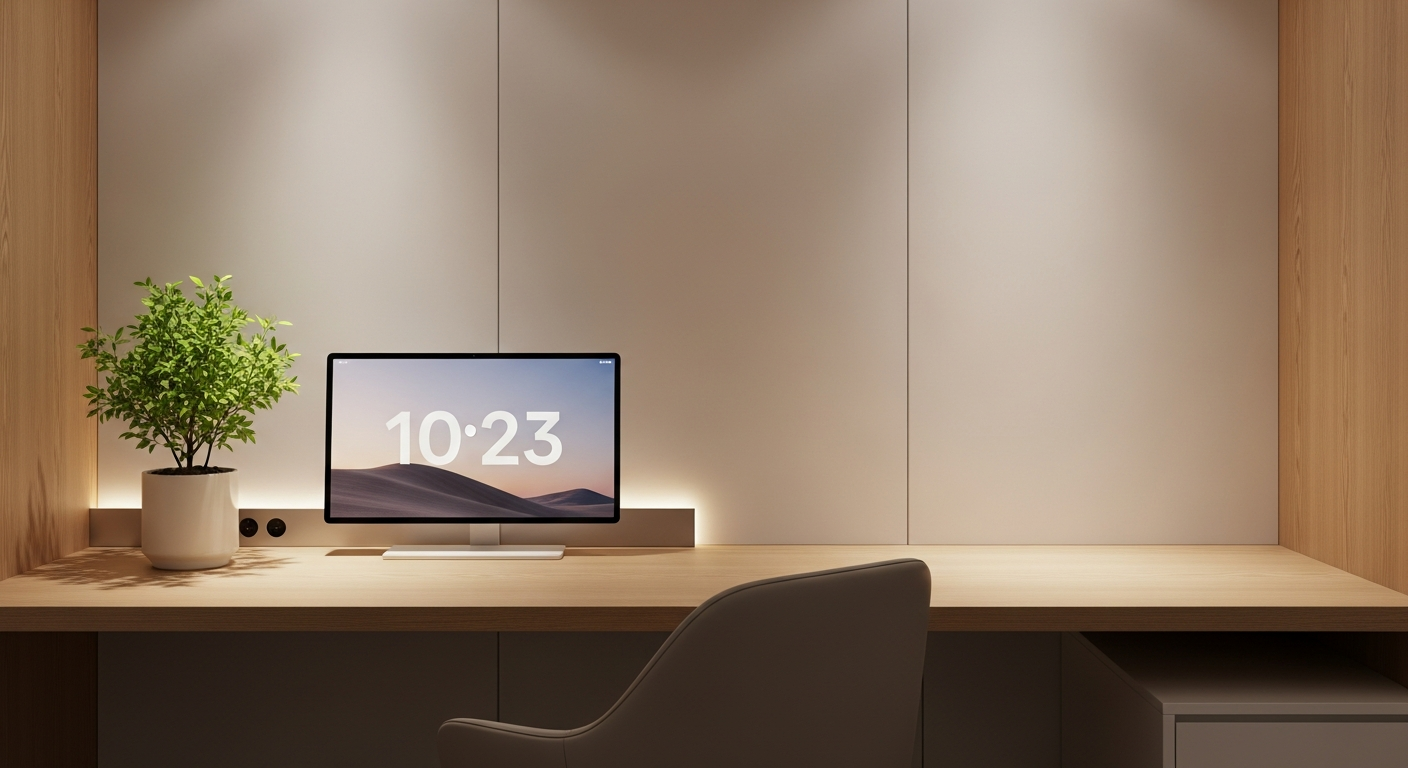
Instead of multiple small devices, notes, and cables, one clean screen can replace several visual distractions. Smart displays are designed with minimal frames, soft edges, and adjustable brightness, which helps them blend into both modern and classic interiors. When idle, many displays show calm visuals, clocks, or photo modes, adding warmth rather than clutter.
Placement also matters. Positioned correctly on a desk, shelf, or side console, a smart display acts like a functional decor piece. It supports symmetry, reduces the need for extra accessories, and keeps the workspace visually light. This is especially important for people who spend long hours at their desk, as a clean visual environment can reduce stress and mental fatigue.
When combined with thoughtful lighting and furniture choices, smart displays help create a workspace that feels intentional, calm, and professional.
Key takeaway: A smart display improves not only how your home office works, but also how it looks, creating a cleaner, more balanced space.
Smart displays help reduce visual clutter in the home office
Minimal design supports a clean, modern workspace look
Calm screen modes add warmth without distraction
Better visual balance can lower stress during long work hours
Key takeaway: A smart display enhances home office design while quietly supporting focus and comfort.
Expert Tips for Building a Future-Ready Home Office with Smart Displays
To get the most value from a smart display for home office use, placement and setup are key. The screen should be easy to see without blocking your main monitor. Many experts suggest placing it slightly to the side or at eye level on a shelf, so information is visible with a quick glance.
Linking the smart display with other systems can also improve daily comfort. For example, connecting it to desk lighting allows you to adjust brightness based on time of day or task. Soft lighting during focused work and warmer tones in the evening help reduce eye strain and support better work habits.
Looking ahead, smart displays are becoming more connected and more intelligent. Future home offices will rely more on voice control, automation, and adaptive environments. Smart displays already act as the control point for these changes, making them a long-term investment rather than a short-term gadget.
As remote and hybrid work continue to grow, having a flexible and future-ready workspace becomes more important. A smart display supports this shift by adapting as your needs change, without requiring a full office redesign.
Key takeaway: With smart placement and integration, a smart display helps future-proof your home office for evolving work styles.
Q/A
Is a smart display a long-term investment for a home office?
Yes. Smart displays are designed to update over time and integrate with new devices, which makes them useful even as your work setup changes.
Can it grow with a smart home system later?
Absolutely. A smart display often becomes the main control point when you add smart lighting, audio, or other automation features.
Do I need professional setup?
Basic use is simple, but professional planning helps with placement, integration, and long-term performance.
Key takeaway: A smart display offers lasting value and adapts easily as your home office and technology evolve.
A smart display for home office use combines productivity tools and smart controls in one screen
It helps reduce distractions by keeping key information visible at a glance
Voice control supports smoother workflows during calls and focused work
Smart displays replace visual clutter with a clean, modern design element
Proper placement improves both usability and workspace balance
Integration with lighting and audio enhances comfort throughout the workday
Smart displays support future-ready offices as remote and hybrid work grows
They adapt over time through updates and smart home expansion
Visual simplicity can lower stress and improve long-term focus
Smart displays add value without requiring a full office redesign
Key takeaway: A smart display brings together productivity, comfort, and design to create a more effective and enjoyable home office.
If your home office feels busy, cluttered, or harder to manage than it should be, a smart display may be the missing piece. The right setup can simplify your daily routine, improve focus, and elevate the look of your workspace at the same time.
At MK Technology, we help homeowners and remote professionals design smart workspaces that fit real daily habits, not just the technology. From planning and placement to full smart home integration, our team ensures every element works together smoothly.
If you are building, upgrading, or rethinking your home office, now is the right time to plan it properly. A smart display is a small change that can make a big difference.